
One studio, many models
Use a consistent workflow while selecting the model that best fits each image or video task.
Create images, video, and speech across leading AI models in one workspace. Compare models, see the credit estimate, generate, and keep every result connected.
Choose a workflow
Inside the studio
Switch creation modes without rebuilding your setup. The studio keeps the prompt, model controls, generation state, and results in one focused workspace.
Made to move forward
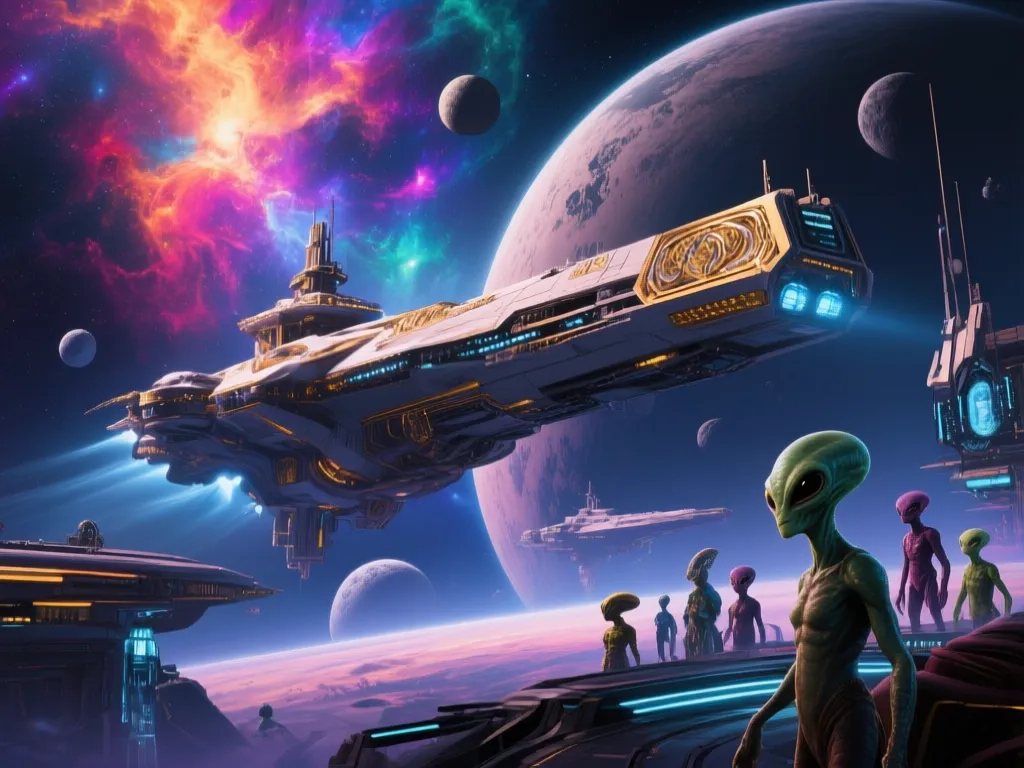
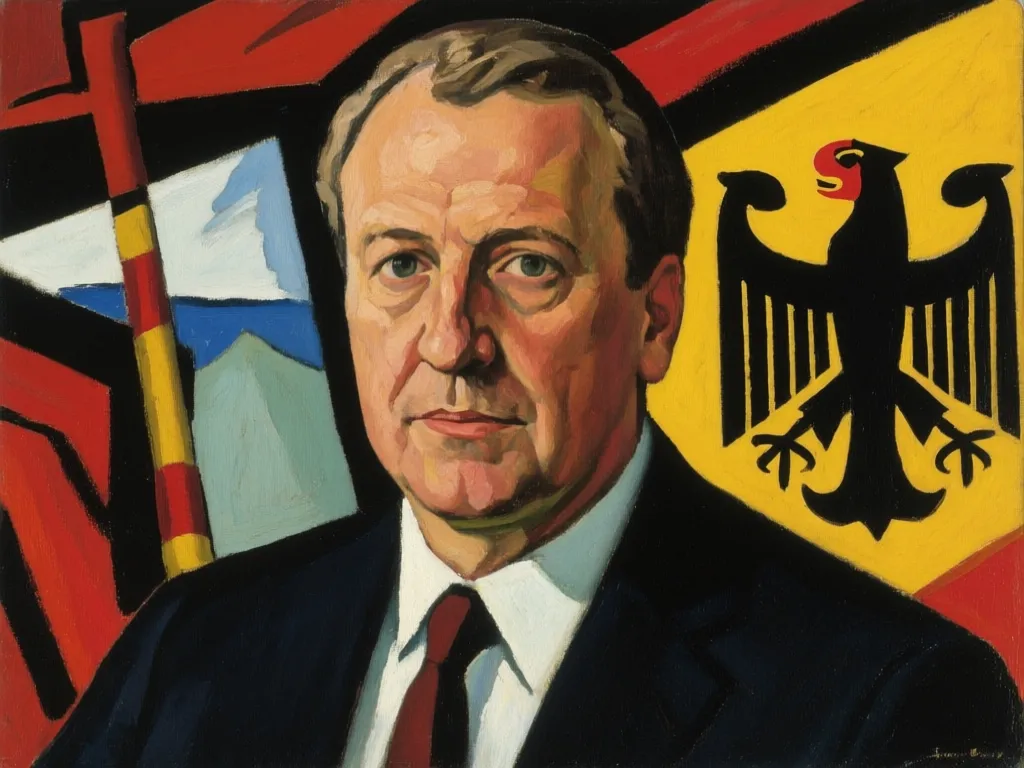
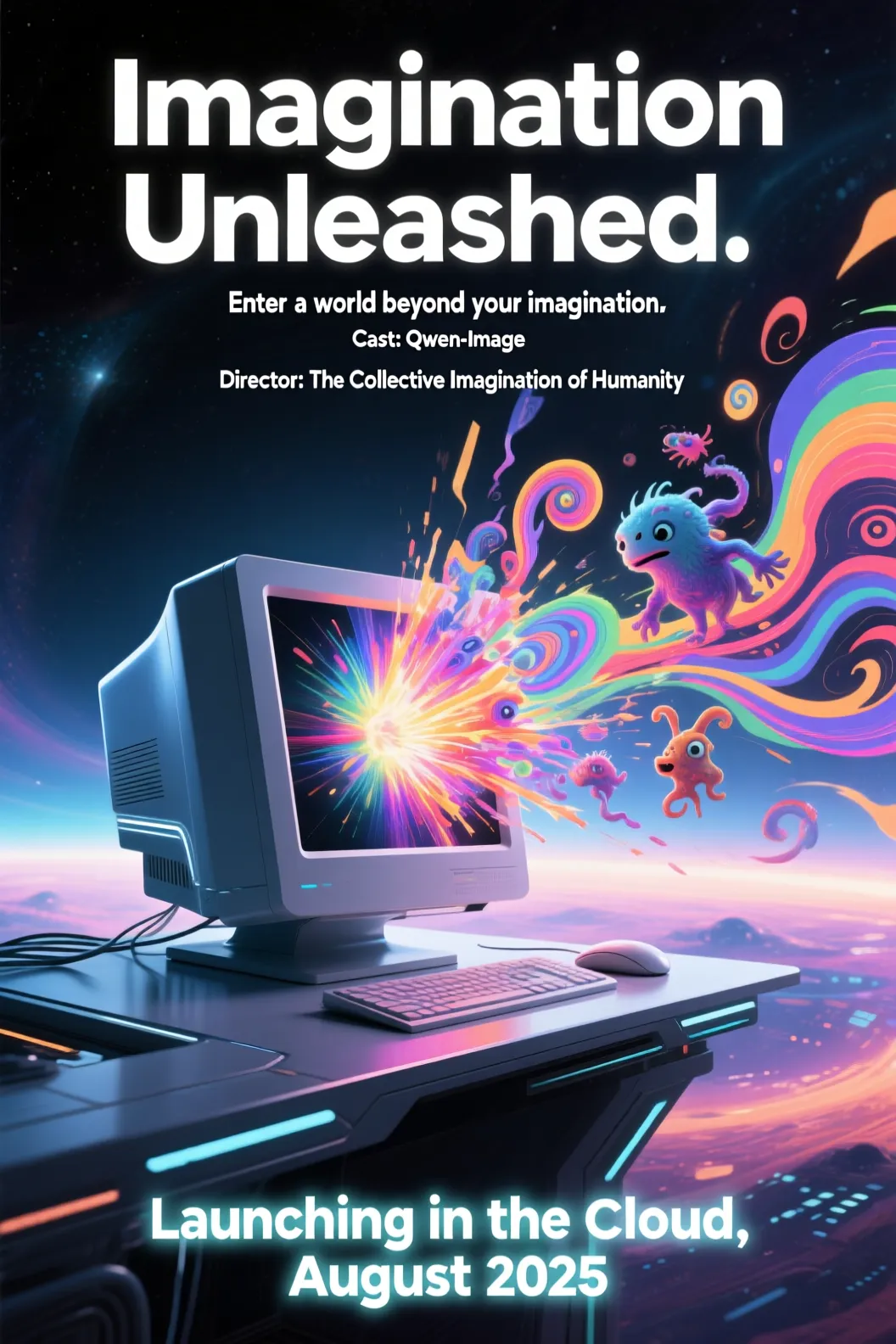
The workspace
Anything to AI is the operating layer between your idea and the growing landscape of generative models.
Use a consistent workflow while selecting the model that best fits each image or video task.
Projects, generation jobs, outputs, and credit usage stay together instead of disappearing into browser tabs.
Use one balance across image, video, and speech, with the estimated cost shown before each generation.
Open the Studio, choose a workflow, and turn the material you have into the asset you need.
FAQ
The essentials about models, generation, credits, and your workspace.